Digital Products & Enterprise Platforms
Platform Experience Optimization
Fluence improves live platforms by identifying user friction, adoption barriers, navigation issues, content gaps, and workflow problems—then prioritizing what should change first.
When to use this offering
This offering is useful when a platform, portal, hub, or internal tool has already launched, but users are not using it consistently or as intended. The issue may not be the technology itself. The experience may be difficult to navigate, cluttered with outdated content, unclear for different audiences, or disconnected from real workflows.
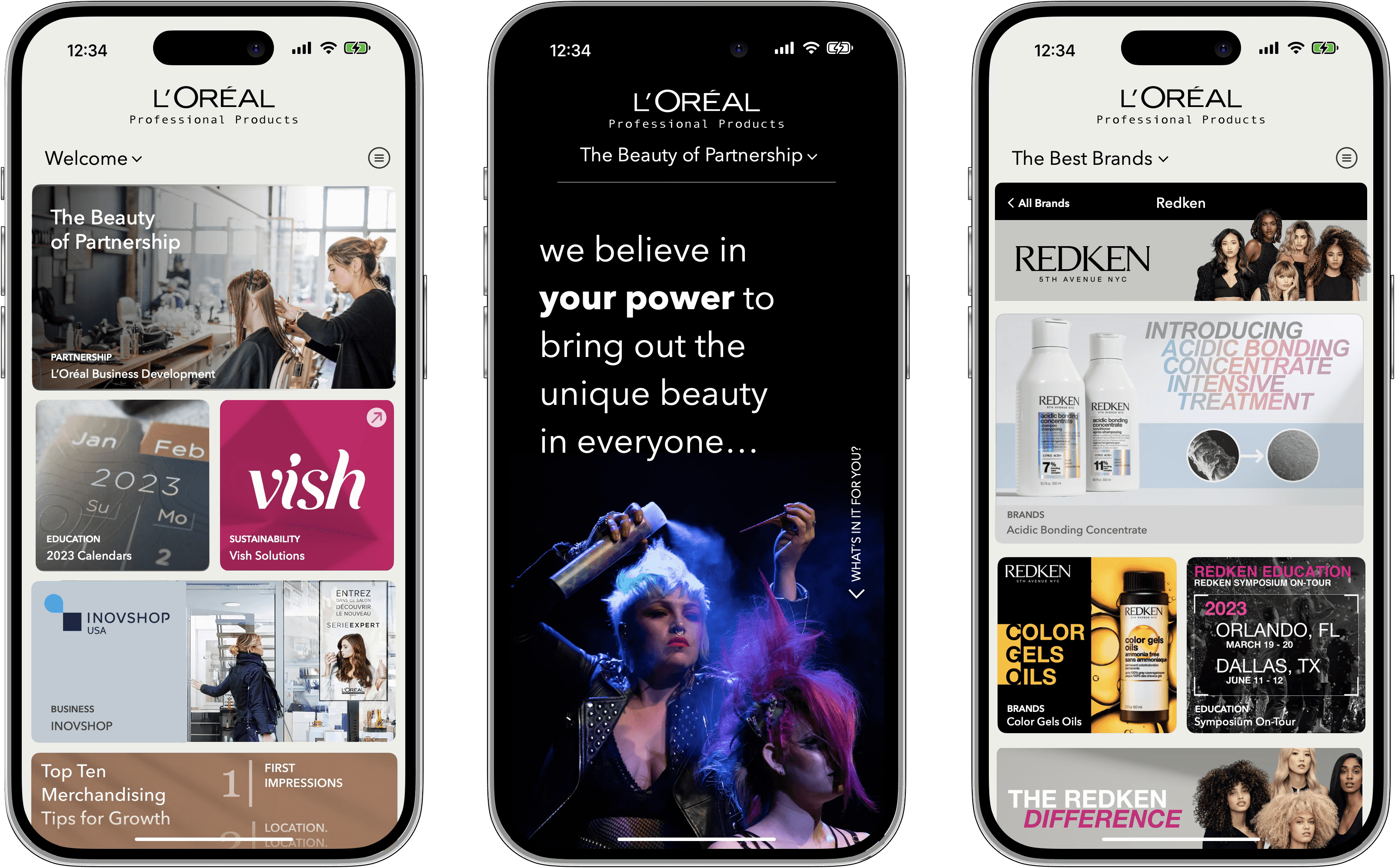
Adoption is lower than expected
The platform launched, but usage is limited, inconsistent, or concentrated within only a few teams or user groups.
Users still rely on workarounds
Employees continue using email, chat, meetings, shared folders, spreadsheets, or manual processes instead of the platform.
Content is hard to find
Resources, tools, dashboards, and guidance are buried under unclear menus, labels, categories, or search paths.
The experience has become cluttered
New content and features have accumulated without a clear structure, ownership model, or cleanup process.
Workflows do not match real work
Task paths, approvals, submissions, or self-service actions do not align with how users actually complete their responsibilities.
Different users need different paths
The platform treats every audience the same even though their roles, goals, permissions, and information needs differ.
Leadership does not know what to do next
Stakeholders need evidence to decide whether to improve, relaunch, expand, redesign, rebuild, or replace the platform.
What you get
Platform audit, friction findings, navigation and workflow recommendations, a prioritized backlog, quick-win roadmap, and measurement guidance.
Platform Experience Audit
User Friction Map
Adoption Barrier Findings
Navigation Recommendations
Content Organization Plan
Clearer User Paths
Prioritized Improvements
Post-Launch Roadmap
Onboarding Recommendations
Prioritized Optimization Backlog
Quick-Win Roadmap
Measurement Recommendations
Next-Step Platform Direction
What this can include
What Platform Experience Optimization Can Include
Every engagement is shaped by the platform type, user groups, current workflows, available usage information, technical constraints, and the business decisions stakeholders need to make next.
Great digital experiences are rarely improved through assumptions alone; they improve when user behavior, friction points, and business objectives are examined together. The interactive example below demonstrates how a Platform Experience Optimization engagement can uncover usability challenges, navigation issues, workflow inefficiencies, content gaps, and technical barriers across a digital platform. As you explore the experience, move through the findings, evidence, and recommendations to see how individual observations are translated into prioritized opportunities for improvement. The goal is to understand how real users experience the platform, where friction interrupts progress, and which changes will have the greatest impact on usability, adoption, efficiency, and business outcomes. By turning observations into actionable recommendations, organizations gain a practical roadmap for continuously improving the experiences their customers, employees, and partners rely on every day.
Explore each section using the navigation bar on the left of the experience.
Best fit
Who Platform Experience Optimization Helps
Enterprise Organizations
Align complex teams, tools, and communications to drive transformation.
Change & Transformation Teams
Help people understand, adopt, and sustain new ways of working.
Sales Teams
Tools, content, and systems that help teams sell with more clarity and consistency.
HR & Talent Leaders
Employer brand, onboarding, and workforce readiness with clarity.
Step by step
01
Audit
We review the live platform, its audiences, content, navigation, workflows, search paths, dashboards, support issues, and known adoption concerns.
Platform and business-context review
User-group and role assessment
Homepage and navigation audit
Search and content-findability review
Workflow and task-path assessment
Existing feedback or usage-data review
Priority experience findings
02
Diagnose
We map where users get stuck and identify the specific barriers preventing them from finding value, completing tasks, or returning to the platform.
User-friction mapping
Adoption-barrier analysis
Audience-path comparison
Content-quality and ownership review
Workflow-mismatch analysis
Onboarding and guidance review
Manual-workaround identification
03
Prioritize
We convert the findings into practical recommendations, separating immediate fixes from larger improvements and defining what should be monitored after changes are made.
Navigation and labeling recommendations
Content cleanup and restructuring
Workflow improvement recommendations
Quick-win identification
Prioritized optimization backlog
Improve, relaunch, rebuild, or replace guidance
Measurement recommendations
Implementation and ownership planning
Related Services
Related Offerings for Platform Usability, Adoption, and Performance
Digital Products & Enterprise Platforms
Internal Tools & Workflow Platforms
Give employees one practical place to submit requests, complete tasks, route approvals, manage handoffs, and track work across internal processes.
Digital Products & Enterprise Platforms
Dashboard & Reporting UX
Fluence improves dashboard structure, KPI hierarchy, reporting views, filters, and data visualization so stakeholders can understand what changed, what matters, and where to look next.
Content, Search & AI Visibility
Performance Measurement & Optimization
Teams need to know which content, pages, campaigns, and visibility efforts are working—and what should be refreshed, expanded, retested, or improved next.
Digital Products & Enterprise Platforms
Application UX & Interface Design
Fluence improves application workflows, screens, interface patterns, and interaction behavior so users can complete important tasks with less confusion.
Digital Products & Enterprise Platforms
Customer & Partner Portals
Fluence plans role-based customer and partner portals that organize resources, communication, support paths, account information, and self-service tasks in one controlled experience.
Common questions
What is platform experience optimization?
What problem does this offering solve?
Who is this offering for?
What is included?
Does this include platform redesign or development?
How do we know whether to improve, rebuild, or replace the platform?
