Digital Products & Enterprise Platforms
Application UX & Interface Design
Fluence improves application workflows, screens, interface patterns, and interaction behavior so users can complete important tasks with less confusion.
When to use this offering
This offering is useful when an internal tool, customer portal, partner platform, dashboard, or workflow application technically functions, but the experience gets in the user's way. The problem may be an unclear sequence, crowded screen, hidden action, inconsistent interface pattern, or workflow that does not match how the task actually happens.
Users need repeated training
People require ongoing instruction or support to complete tasks that should be understandable within the application.
Employees create workarounds
Teams rely on spreadsheets, email, chat, or manual steps because the application does not match the real workflow.
Customers cannot complete requests
External users struggle to submit information, manage accounts, locate resources, or finish portal tasks.
Screens are overloaded
Forms, fields, tables, filters, buttons, and options compete without a clear hierarchy.
Actions are hard to find
Users cannot tell what to do next, which step is required, or whether an action was completed successfully.
Interface patterns are inconsistent
Similar tasks use different labels, layouts, controls, and behaviors across screens or modules.
Developers need clearer direction
Implementation teams lack approved user flows, wireframes, interaction notes, and component specifications.
What you get
Deliverables may include an application UX audit, task analysis, user-flow maps, screen wireframes, UI concepts, interaction notes, reusable component specifications, a design-handoff package, and a prioritized usability backlog.
Application UX Audit
Priority Task Analysis
User-Flow Maps
Workflow Recommendations
Screen Wireframes
Clearer Task Flows
More Consistent Screens
Build-Ready UX Direction
Interaction Notes
Application Component Specs
Responsive Interface Direction
Design-Handoff Package
Usability Improvement Backlog
What this can include
What Application UX & Interface Design Can Include
Every engagement is shaped by the users involved, the tasks they need to complete, the application's current state, technical constraints, and the level of design detail required for implementation.
A working application isn’t necessarily an application that works well for people. Portals, dashboards, internal tools, and workflow platforms can contain all the right functionality while still making everyday tasks harder than they need to be. Effective application UX brings the interface closer to the way the work actually happens; clarifying what users need to understand, decide, enter, review, and do next.
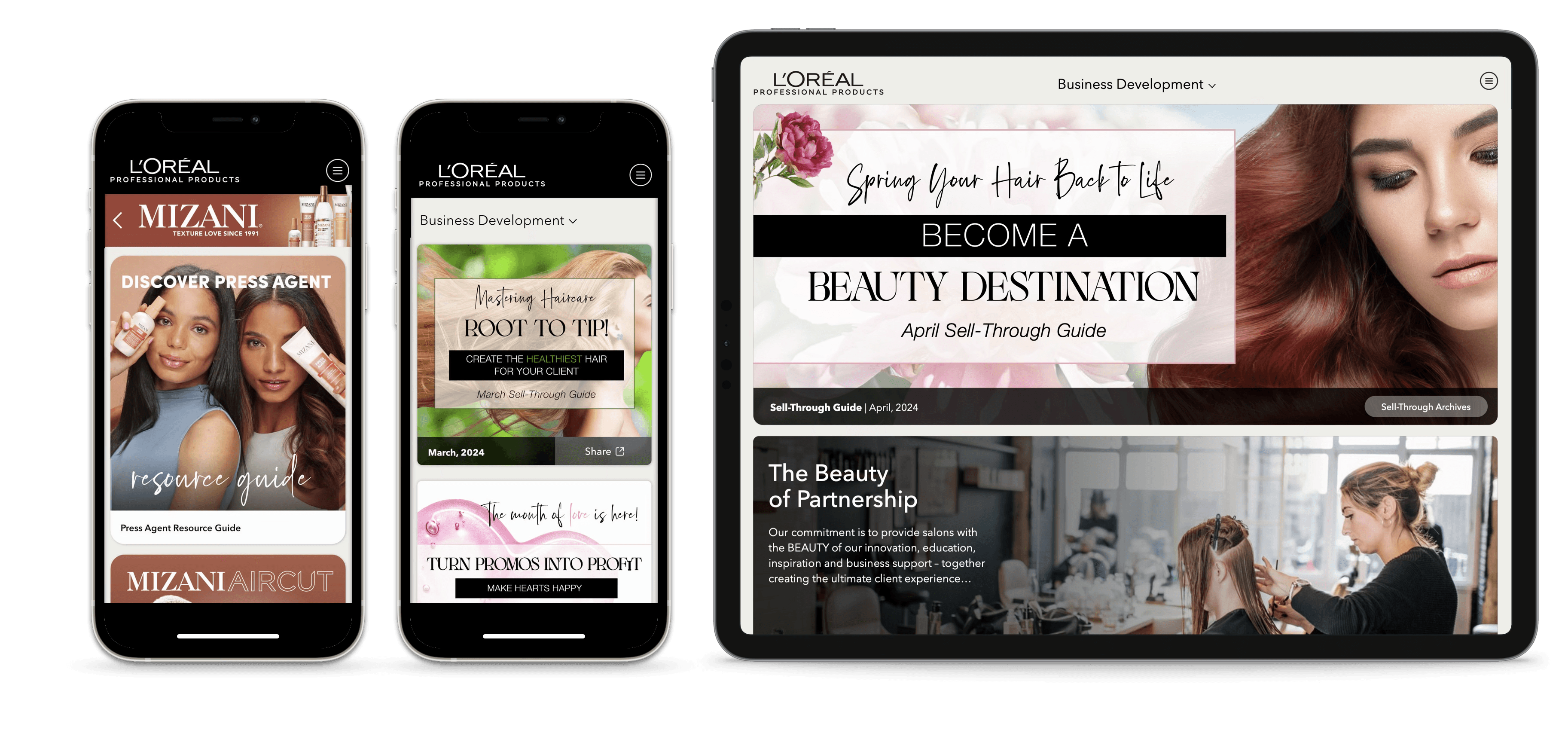
The examples below show how thoughtful workflow and interface design can turn complex requirements into clearer application experiences. From information hierarchy and navigation to forms, controls, status patterns, and reusable components, each demonstrates how design can reduce friction while helping users move through important tasks with greater clarity, consistency, and confidence.
Explore the examples to see how workflows, information, controls, and interaction patterns can come together to make complex applications easier to understand and use.
Best fit
Who Application UX & Interface Design Helps
Enterprise Organizations
Align complex teams, tools, and communications to drive transformation.
Mid-Market Companies
Right-sized systems and sprints that deliver impact quickly and scale with you.
Sales Teams
Tools, content, and systems that help teams sell with more clarity and consistency.
Change & Transformation Teams
Help people understand, adopt, and sustain new ways of working.
Step by step
01
Analyze
We review the application, its users, priority workflows, business requirements, known usability problems, and relevant technical constraints.
Application and platform review
User-role assessment
Priority workflow identification
Support and stakeholder feedback review
Task and screen inventory
Current user-flow mapping
Application UX audit
02
Structure
We define clearer task pathways, screen hierarchy, navigation, actions, information placement, and interaction behavior.
Task analysis
Improved user flows
Workflow simplification
Screen-content hierarchy
Action and label recommendations
Form and input logic
Error, success, and confirmation behavior
Priority UX direction
03
Design
We translate the approved workflows into wireframes, UI concepts, interaction notes, reusable components, and handoff materials for implementation.
Priority screen wireframes
Interface design concepts
Forms, tables, filters, and navigation
Modals, alerts, and status patterns
Empty, loading, and error states
Reusable component specifications
Annotated design handoff
Usability improvement backlog
Related Services
Related Offerings for Application UX, Workflows, and Platforms
Digital Products & Enterprise Platforms
Internal Tools & Workflow Platforms
Give employees one practical place to submit requests, complete tasks, route approvals, manage handoffs, and track work across internal processes.
Digital Products & Enterprise Platforms
Customer & Partner Portals
Fluence plans role-based customer and partner portals that organize resources, communication, support paths, account information, and self-service tasks in one controlled experience.
Digital Products & Enterprise Platforms
Dashboard & Reporting UX
Fluence improves dashboard structure, KPI hierarchy, reporting views, filters, and data visualization so stakeholders can understand what changed, what matters, and where to look next.
Digital Products & Enterprise Platforms
Platform Experience Optimization
Fluence improves live platforms by identifying user friction, adoption barriers, navigation issues, content gaps, and workflow problems—then prioritizing what should change first.
Brand Experience & Design Systems
Website UX & Interface Design
Websites need clear navigation, page structure, content hierarchy, and interface patterns that help buyers understand what matters and know what to do next.
Common questions
What is application UX and interface design?
What problem does this offering solve?
Who is this offering for?
What is included?
Can Fluence work on an existing application?
Does this include development?
