The gap this family closes
Many organizations invest in platforms, portals, dashboards, and internal tools that contain useful information but are difficult to navigate, hard to maintain, or disconnected from how people actually work. The result is low adoption, inconsistent use, and frustration for the teams the system was meant to support.
Digital Products & Enterprise Platforms helps teams design usable digital systems around real workflows, decisions, audiences, and content needs.
What happens in the engagement
A Digital Products & Enterprise Platforms engagement may include several of these activities, shaped around the product, audience, workflow, and platform need.
01
Product Definition
We clarify the users, use cases, workflows, and business purpose of the platform.
02
UX Architecture
We map navigation, content structure, task flows, and interaction patterns.
03
Interface Design
We design screens, components, layouts, and experiences that make the system easier to use.
04
Platform Content Strategy
We organize the content, proof, resources, data, or guidance the platform needs to deliver.
05
Prototype & Validation
We create prototypes that teams can review, test, and refine before full build.
06
Build & Optimization Support
We support implementation, launch, adoption, and platform improvement where scoped.
What you walk away with
Product definition brief
UX architecture
Interface designs
Clickable prototypes
Sales enablement platform
Customer or partner portal
Internal tool design
Dashboard UX
Workflow maps
Where this family fits
A Tool Is Needed
Your team needs a digital tool, not another deck or PDF.
RELATED OFFERINGS
Focused offerings for moving from need to next step.
Our offerings are built around the moments when organizations need to make progress, but the path is not yet clear. That may mean sharpening a strategy, building a stronger story, designing a more useful platform, enabling a team, introducing AI, or creating a content system that can keep working after launch.
Each offering gives the engagement a practical shape. Some are focused sprints. Others become larger programs across strategy, creative, systems, and activation. The starting point changes, but the goal stays the same: meaningful momentum your team can use.
Sales Enablement Platforms
Sales teams need a centralized place for pitch materials, proof, leave-behinds, follow-up content, and buyer education.
Application UX & Interface Design
Fluence improves application workflows, screens, interface patterns, and interaction behavior so users can complete important tasks with less confusion.
Internal Tools & Workflow Platforms
Give employees one practical place to submit requests, complete tasks, route approvals, manage handoffs, and track work across internal processes.
Customer & Partner Portals
Fluence plans role-based customer and partner portals that organize resources, communication, support paths, account information, and self-service tasks in one controlled experience.
Dashboard & Reporting UX
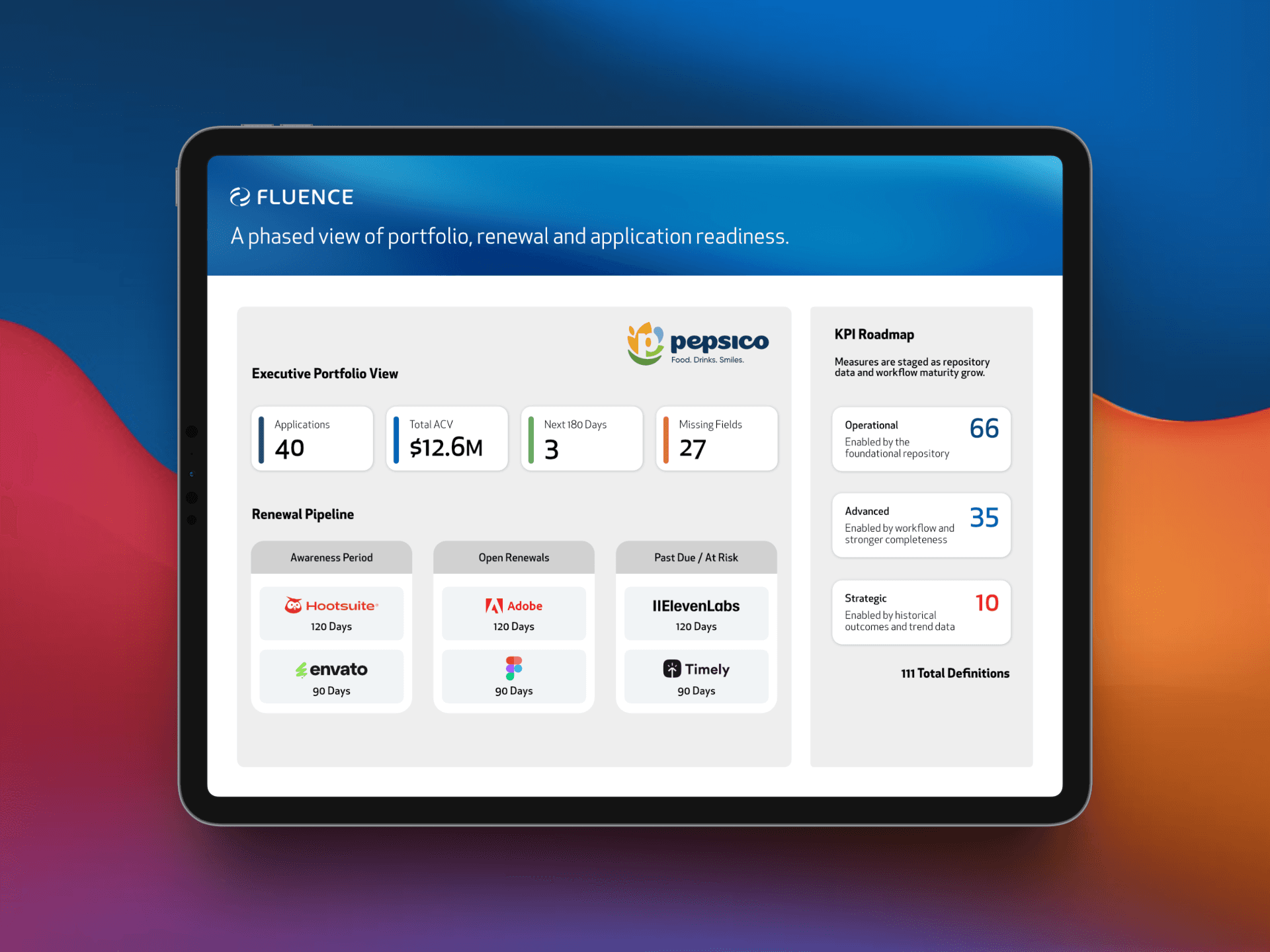
Fluence improves dashboard structure, KPI hierarchy, reporting views, filters, and data visualization so stakeholders can understand what changed, what matters, and where to look next.
Platform Experience Optimization
Fluence improves live platforms by identifying user friction, adoption barriers, navigation issues, content gaps, and workflow problems—then prioritizing what should change first.
Campaign & Lifecycle Communication Systems
Teams need one clear message map, sequence, template structure, channel plan, and follow-up system instead of creating campaign communication one message at a time.
Customer & Frontline Enablement Hubs
Customer-facing teams need one trusted place for service guidance, onboarding resources, FAQs, playbooks, and decision paths they can use during real customer interactions.
Connected work + thinking